
Facebook business page authorization under Facebook’s new version
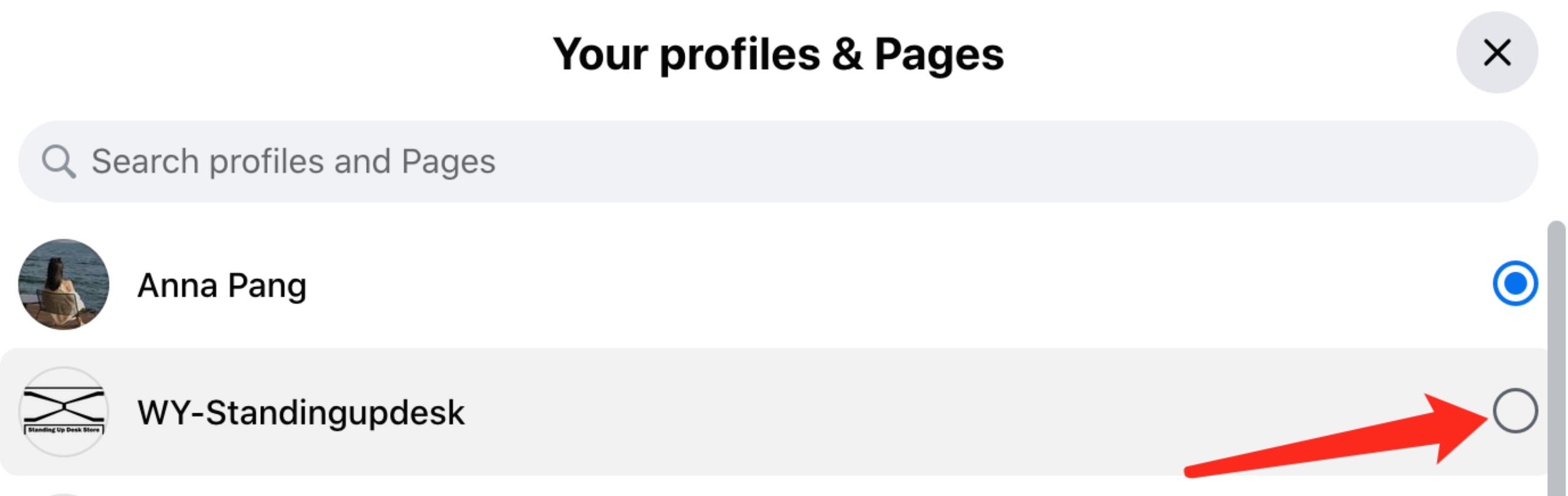
- Click the avatar drop-down box and then click “see all profiles” and select the page you want

- Select the business page you selected on the left side of the page
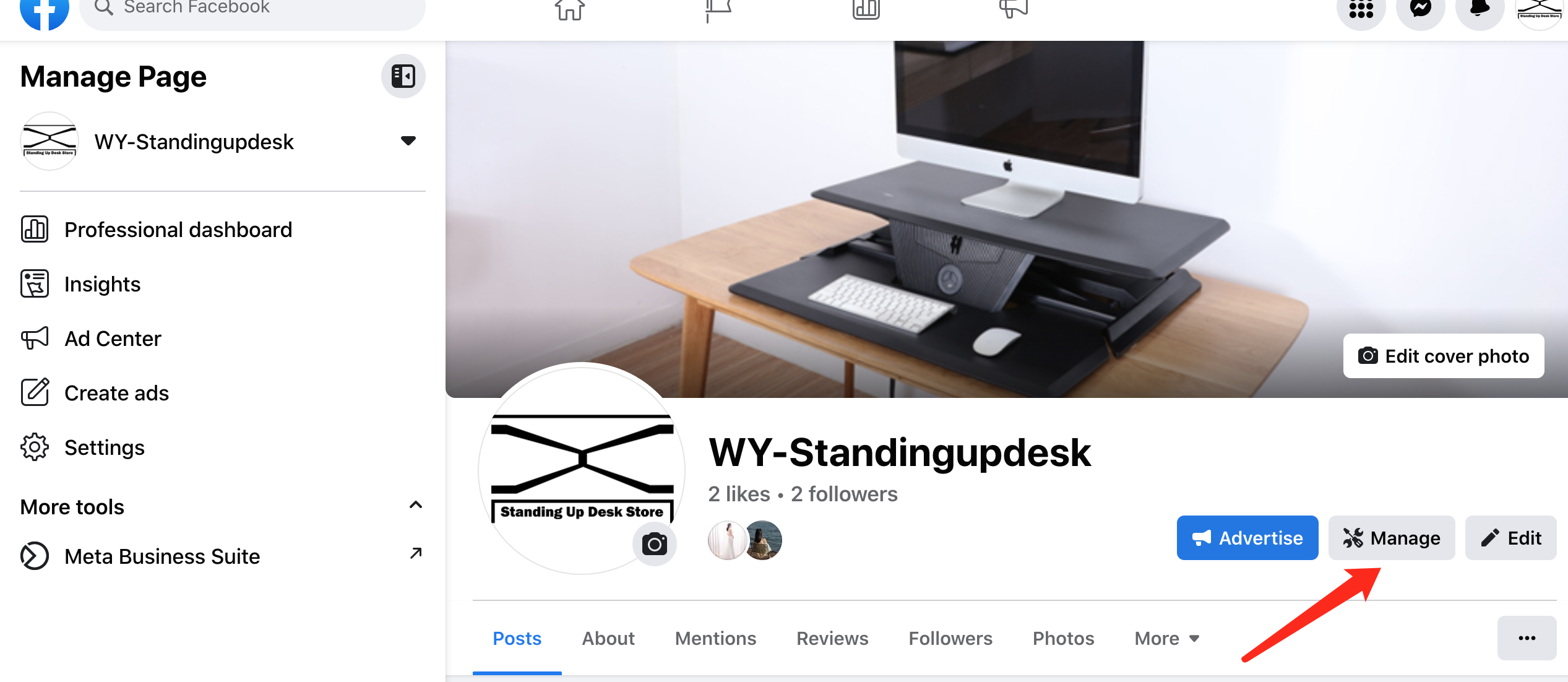
- 3. Click “Manage” on the selected page, and record the current home page link.
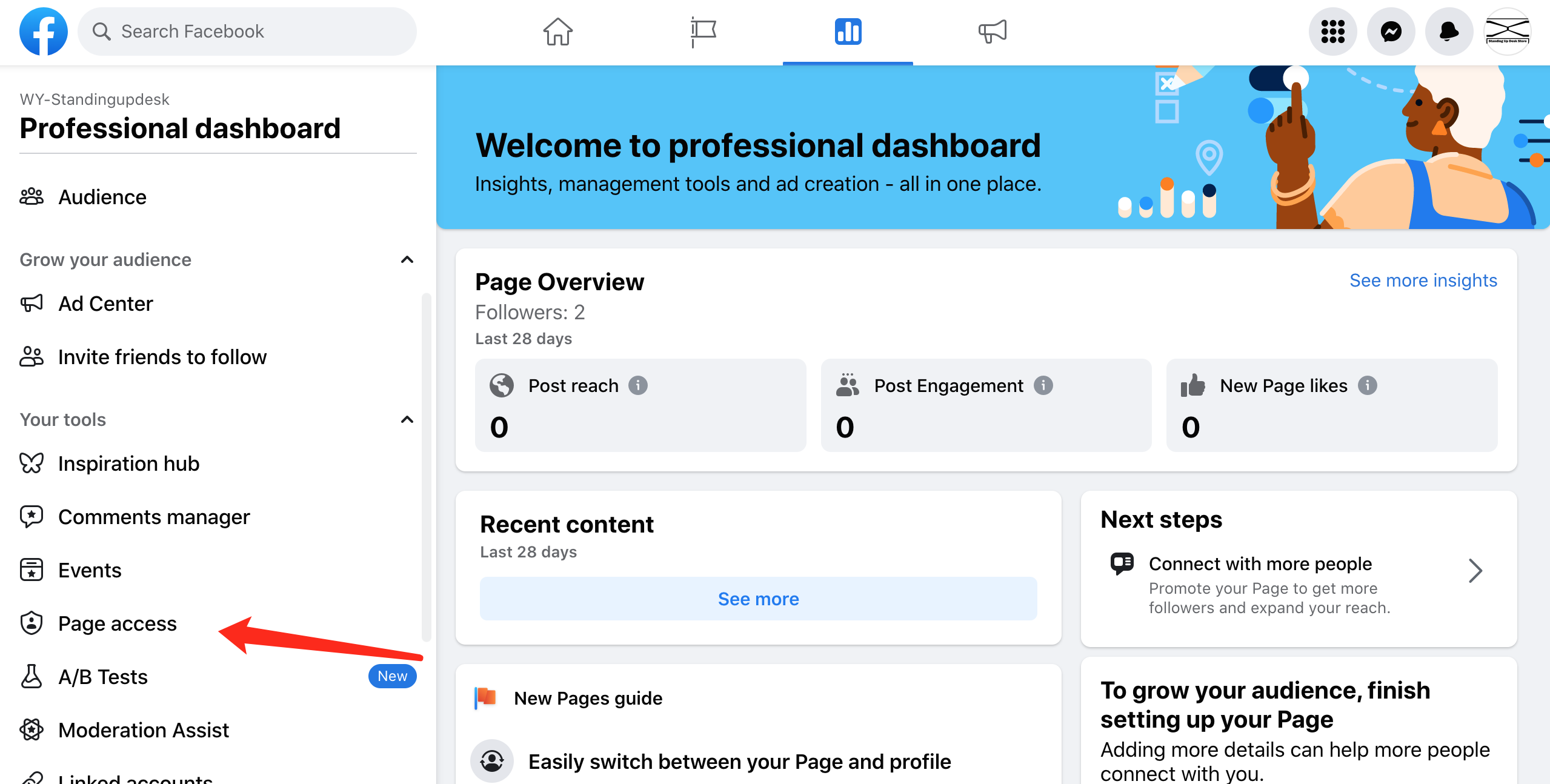
4. Type the link and then accept the invitation.